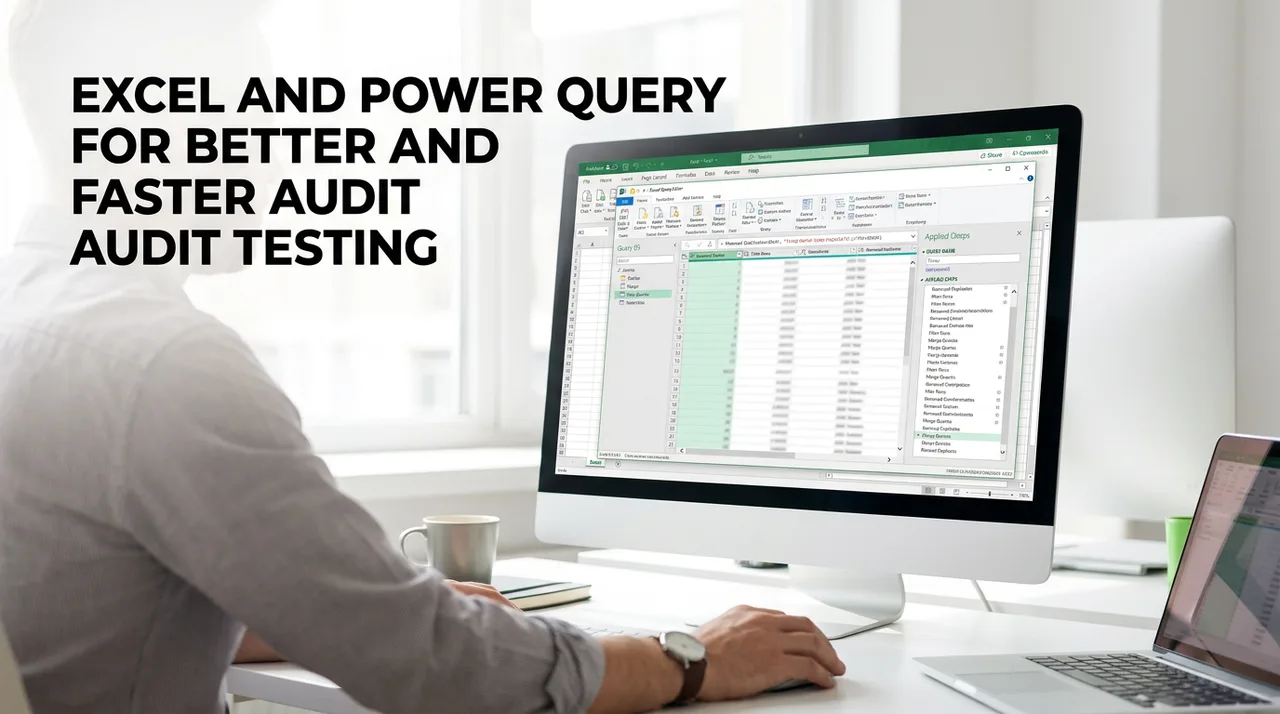
Most audit testing still starts the same way: someone exports data from the client's accounting system, spends an afternoon cleaning it up in Excel, and repeats the whole process next quarter or next year. Power Query ends that cycle. It records every cleanup step so the same preparation runs again with a single refresh, no matter where the data came from. This session shows how to use Power Query to prepare audit data, run common audit tests, and document the work so it holds up in review. This is a practical, show-and-do session built around the tests auditors actually perform. You'll see how to turn a messy client export into a clean, testable dataset, test a journal entry population for gaps, duplicates, and unusual entries, run a three-way match across purchase orders, receipts, and invoices, and apply Benford's Law and stratification to focus your testing. Just as important, you'll learn how to document each step so a reviewer can follow and re-perform the work. You'll leave with a repeatable approach you can apply to your next engagement.
Audit practitioners and data analysts who want to move beyond manual sampling and build repeatable, automated testing workflows within their existing spreadsheet software.
No. You only need a basic working knowledge of Excel to get started. We cover the specific Power Query tools you need for audit work from the ground up.
Yes. The course focuses on practical applications like journal entry testing, three-way matching, and identifying unusual entries. These are the tests auditors perform on real engagements.
No. Power Query is part of Excel, so there's nothing extra to install to follow along.
A major part of the session is learning how to document each query step so a reviewer can follow and re-perform your work. Whether it meets your firm's standards is still your call, but you'll know what good documentation of an automated test looks like.
None at all. This is a basic level course, and a basic working knowledge of Excel is all you need to bring.
I spent years watching colleagues lose entire afternoons to the same repetitive data cleaning tasks every single audit cycle. It's a frustrating waste of professional talent. I designed this course to show you how to build a system that remembers your work so you never have to fix the same broken export twice.
Reach out for more information or to bring this training to your organization.
Interested in bringing this training to your team, or want more information? Send a note and we’ll get back to you.