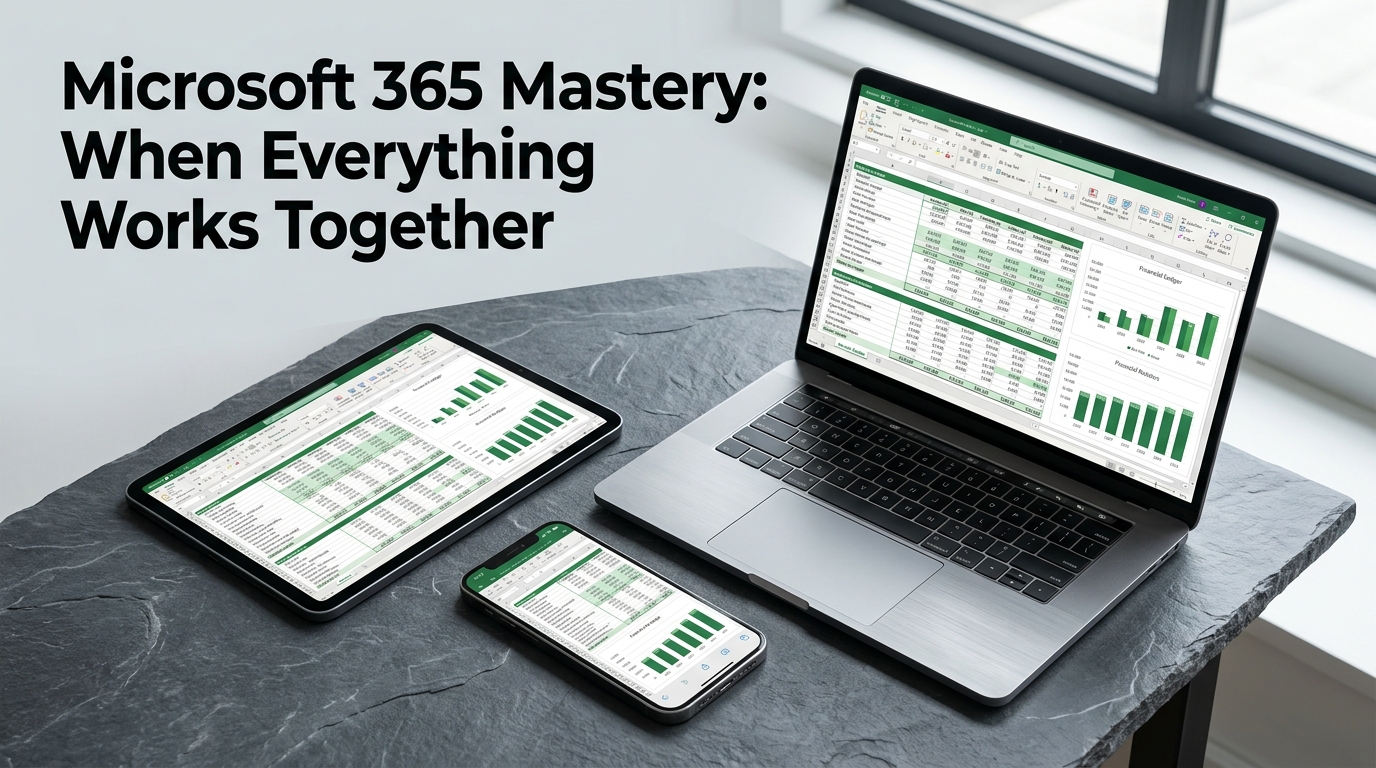
Most accounting professionals utilize only a fraction of the power available within their Microsoft 365 subscription, often treating Word, Excel, and Outlook as isolated islands. This session moves beyond basic app usage to focus on the “unified ecosystem” advantage—the seamless integration of data, security, and user provisioning that allows a firm to operate as a single, cohesive unit. We will address the common frustration of “app overload” by demonstrating how Microsoft 365 serves as a turnkey solution that replaces disconnected tools with integrated workflows that simply work together. Participants will explore the strategic shift from traditional file servers to a cloud-centric environment where data is accessible anywhere, at any time, on any device. We will dive into high-impact collaboration techniques, including real-time co-authoring across Excel, Word, and PowerPoint, and the automation of data sharing between Outlook, Teams, and SharePoint. You will walk away with key insights and practical ideas that can be immediately translated into actionable plans to reduce friction and improve efficiency within your practice.
Practitioners and business owners seeking to maximize productivity through integrated software workflows.
Not at all. This is a basic-level course designed for practitioners and business owners who want to understand how to use their tools better. We focus on practical workflows rather than complex back-end coding.
The material focuses specifically on the Microsoft 365 ecosystem. We look at how Excel, Word, PowerPoint, Teams, and SharePoint function together to create a unified environment for your firm.
No. We actually look at why you should move away from those old systems. The session explains how to shift to a cloud-centric environment to make your data accessible from anywhere.
There are no prerequisites or advanced preparation steps required for this session. You can show up ready to learn regardless of your current technical setup.
We examine the impact of broad-spectrum AI and automated data flows on your firm's productivity. You will see how these modern automations connect your communications across Outlook and Teams.
I created this course because I watched too many accounting professionals struggle with a dozen different tools that wouldn't talk to each other. I want to show you how your existing subscription can actually function as a single, cohesive engine for your practice. It's time to stop treating these applications like isolated islands and start using the ecosystem as it was intended.
Reach out for more information or to bring this training to your organization.
Interested in bringing this training to your team, or want more information? Send a note and we’ll get back to you.