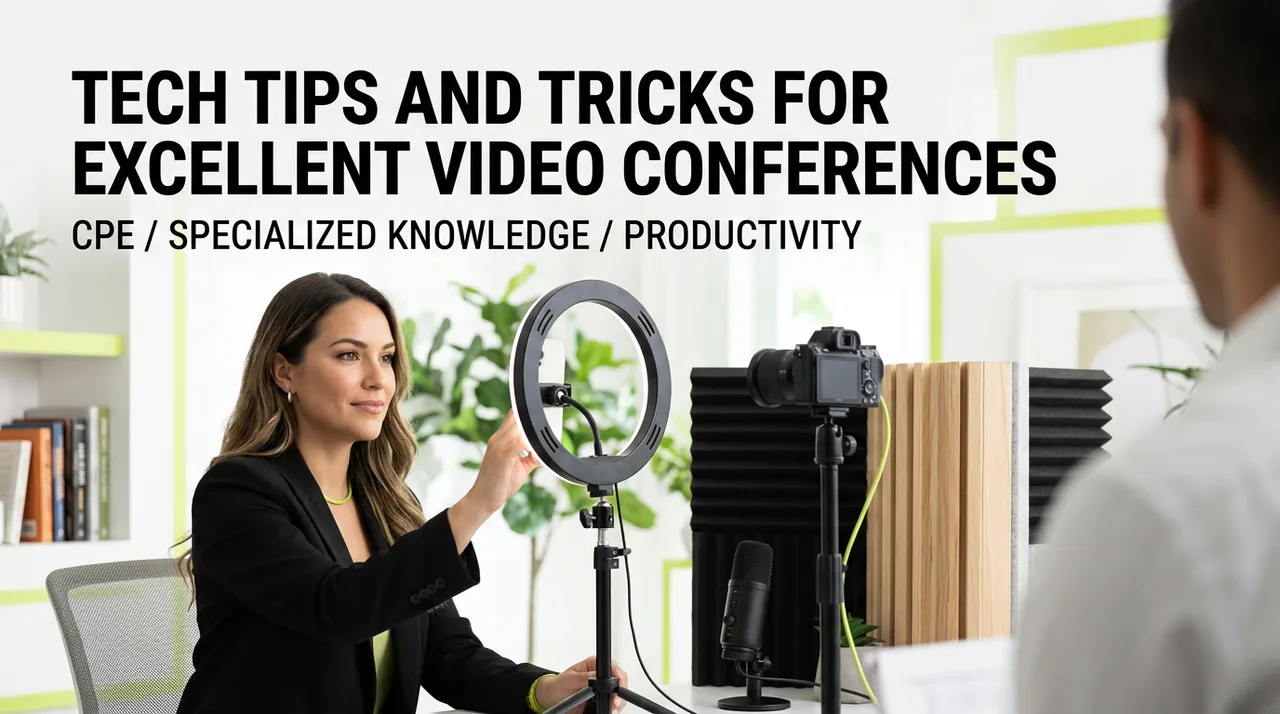
As working remotely becomes the new normal, virtual meetings are now the norm. How do you put your best foot forward and make sure your space and tech are up to the challenge. We will show you some of our favorite tech to make you stand out. From the best cameras and microphones for outstanding quality to using a green screen and making custom backgrounds, there are many ways to look and sound your best.
Not at all. This course is at a basic level and covers how to select the right hardware and accessories to improve your current space.
We look at several different video conferencing services. You'll learn how to find the settings and controls that matter most across the major platforms.
There are no prerequisites or advanced preparations required. We start with the basics of hardware and move into simple third-party tools that simplify your process.
Yes. We specifically cover how to use communication tools to create a better experience for your clients and make your digital presence more effective.
We include training tips so you can help your entire team use these conferencing tools to their full potential for better collaboration.
I spent years fumbling with grainy webcams and muffled audio before I realized how much these technical hurdles were actually getting in the way of my message. I wrote this course for professionals who want to stop being the person on the call with the distracting background or the echo. It's about making the technology disappear so your ideas can finally take center stage.
Reach out for more information or to bring this training to your organization.
Interested in bringing this training to your team, or want more information? Send a note and we’ll get back to you.